Whether you are an architect, engineer or contractor, you undoubtedly have teammates walking around jobsites to evaluate the performance of subcontractors and tradesmen. No matter your specific role, you are ultimately acting on behalf of your client to ensure that their project is built to spec.
For these team members who are away from their laptops, how do we equip them to capture project site data and access project documents and drawings quickly? The answer: from their mobile device.
Capturing Project Site Data
As your teams are walking the jobsite, it is important for them to be able to document what they hear and see so the larger project team has visibility into onsite activities. To support productivity and quality, designers and general contractors are verifying the quality of workmanship, taking pictures, and documenting general observations that need attention. From a health and safety perspective, construction teams are recording near misses or accidents and completing safety checklists.
But how are teams capturing all of that data? Oftentimes, teams are carrying around clipboards with printed documents that need completed by hand. Then what happens to that paperwork? Do the hard copies get filed away in filing cabinet or are they being scanned and manually stored alongside the rest of the project files? Or are teams returning to their laptops to manually transcribe that same information into a digital format?
With Deltek Project Information’s (PIM) mobile app, those same team members can capture that same information directly from their mobile devices, removing the reliance on paper-laden processes. Once that information is recorded via their mobile devices, that same information is automatically uploaded to the project record within Deltek PIM, providing the entire project team instant access to site information.
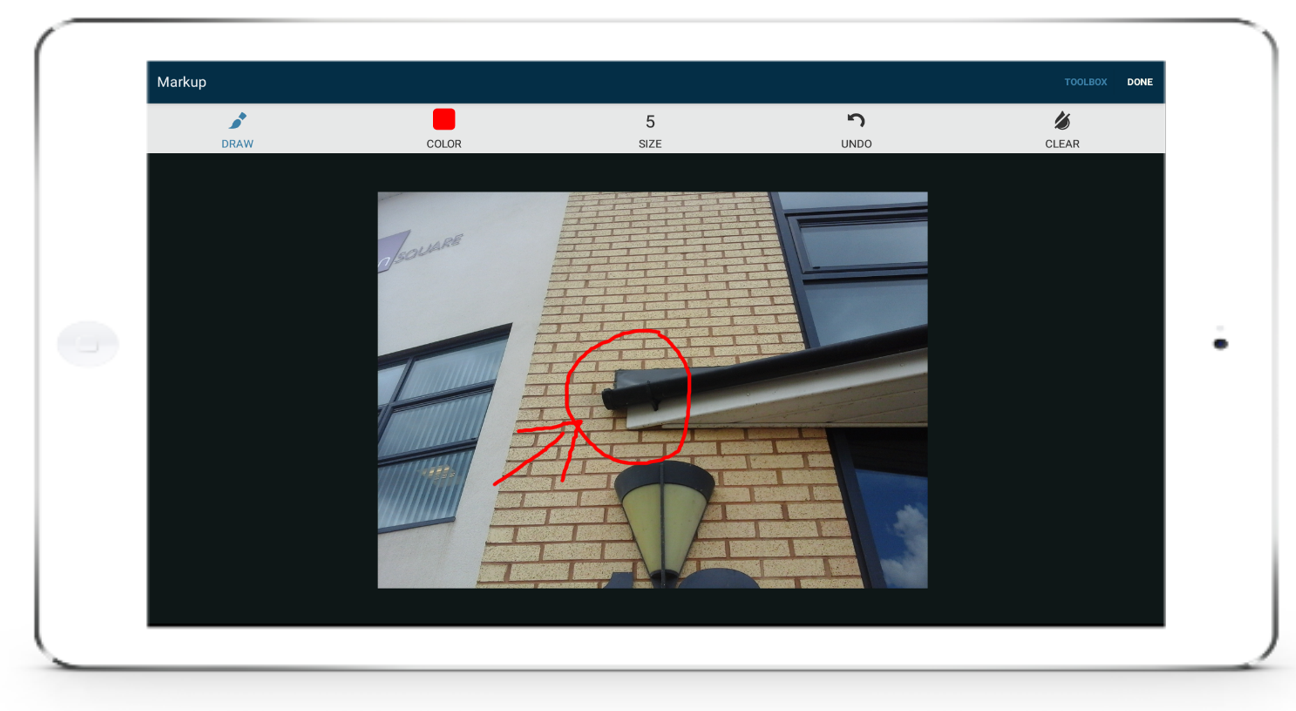
Take Photos and Make Annotations
Take pictures, make annotations and attach to an observation or defect item to provide instant information about a potential issue that needs addressed.
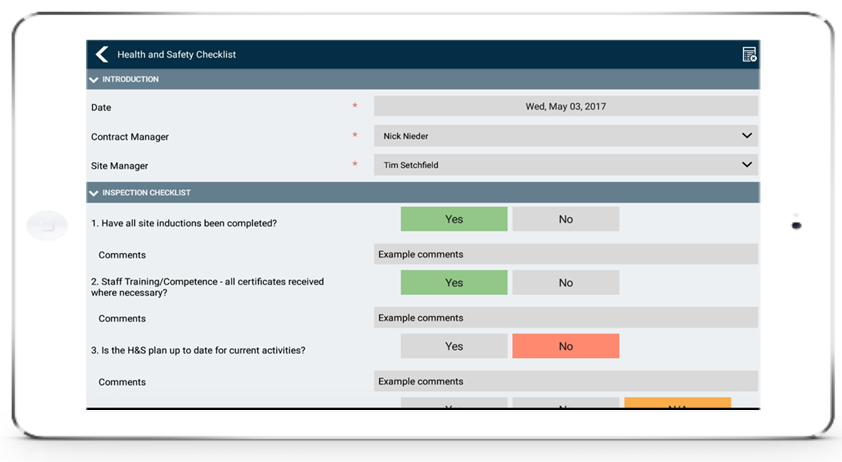
Complete Forms and Checklists
Easily record new defect management items and observations, as well as complete QA/QC checklists and health and safety checklists – all with mobile-friendly and customizable forms.
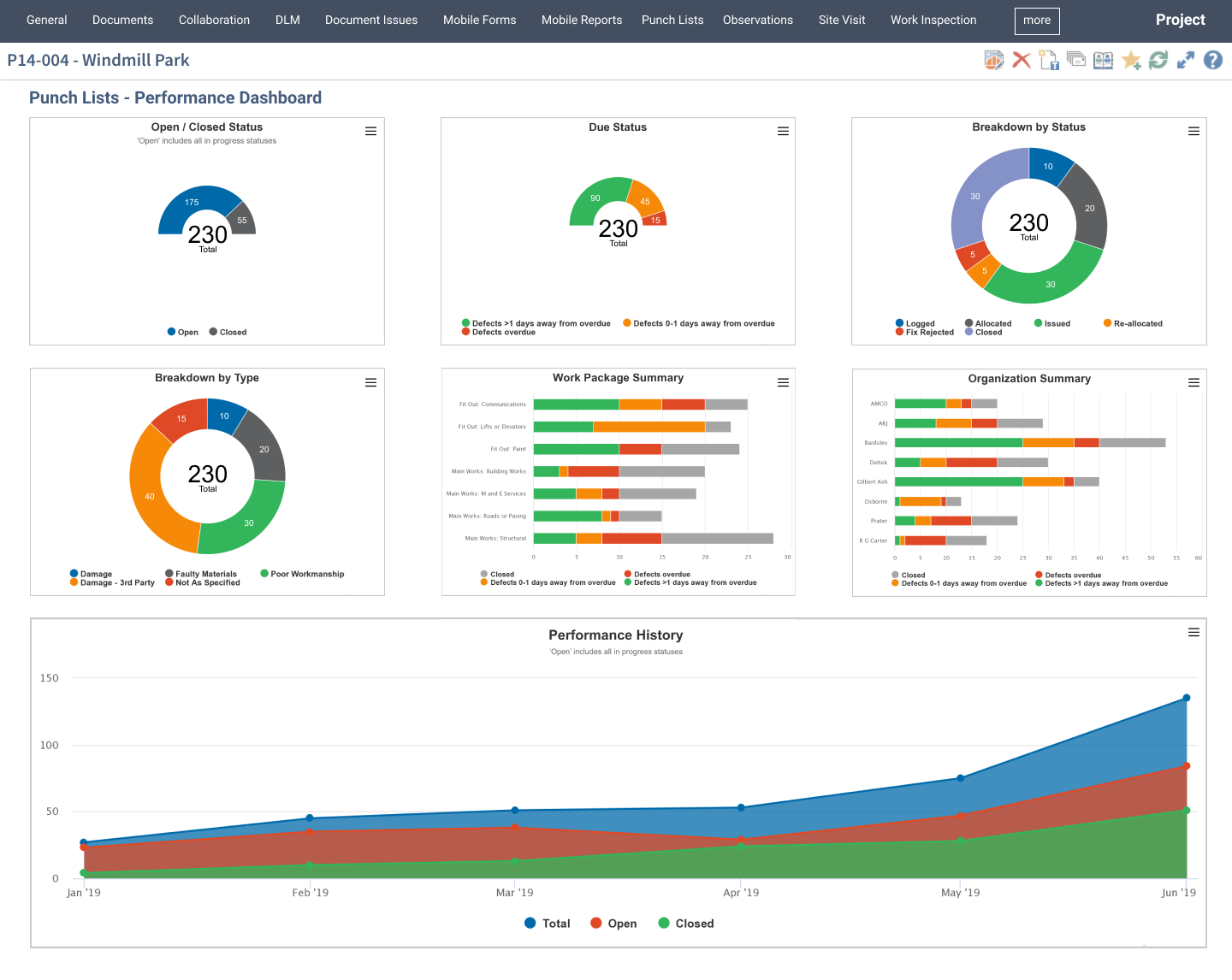
View Summary of Defect Management Items
Defect Management items recorded on site are automatically captured in Deltek PIM, providing real-time information to the rest of the project team via visual dashboards. These dashboards provide a quick view of the Key Performance Indicators (KPIs), allowing you to identify project weaknesses, improve defect resolution processes and identify patterns taking place on the project site. In the end, this can help your company closeout projects more quickly while increasing the quality of output.
Accessing Project Data
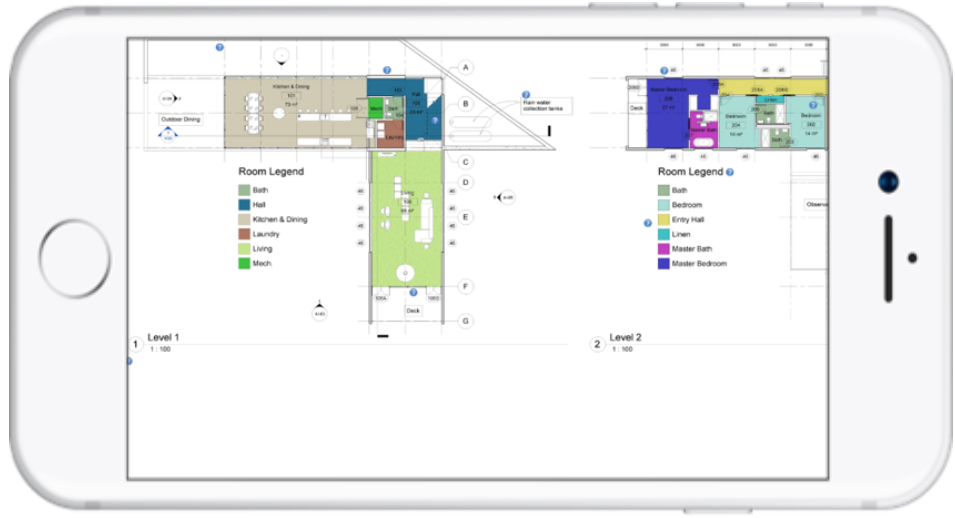
Similar to needing to record site data, these same teams have access to project data in order to address questions and concerns while on site. For example, a subcontractor has a question about the placement of their geopiers. How do teams access relevant drawings to address those questions? Oftentimes, you will reference the half-size drawings you are carrying around the jobsite, which can be cumbersome. Or you and the subcontractor have to walk back to the trailer to pull out the full-size drawings to review, which could take a significant amount of time, especially on a large project site.
With the same mobile app, those same teams can find and review project documentation from the palm of their hand so they can address issues on site more quickly.